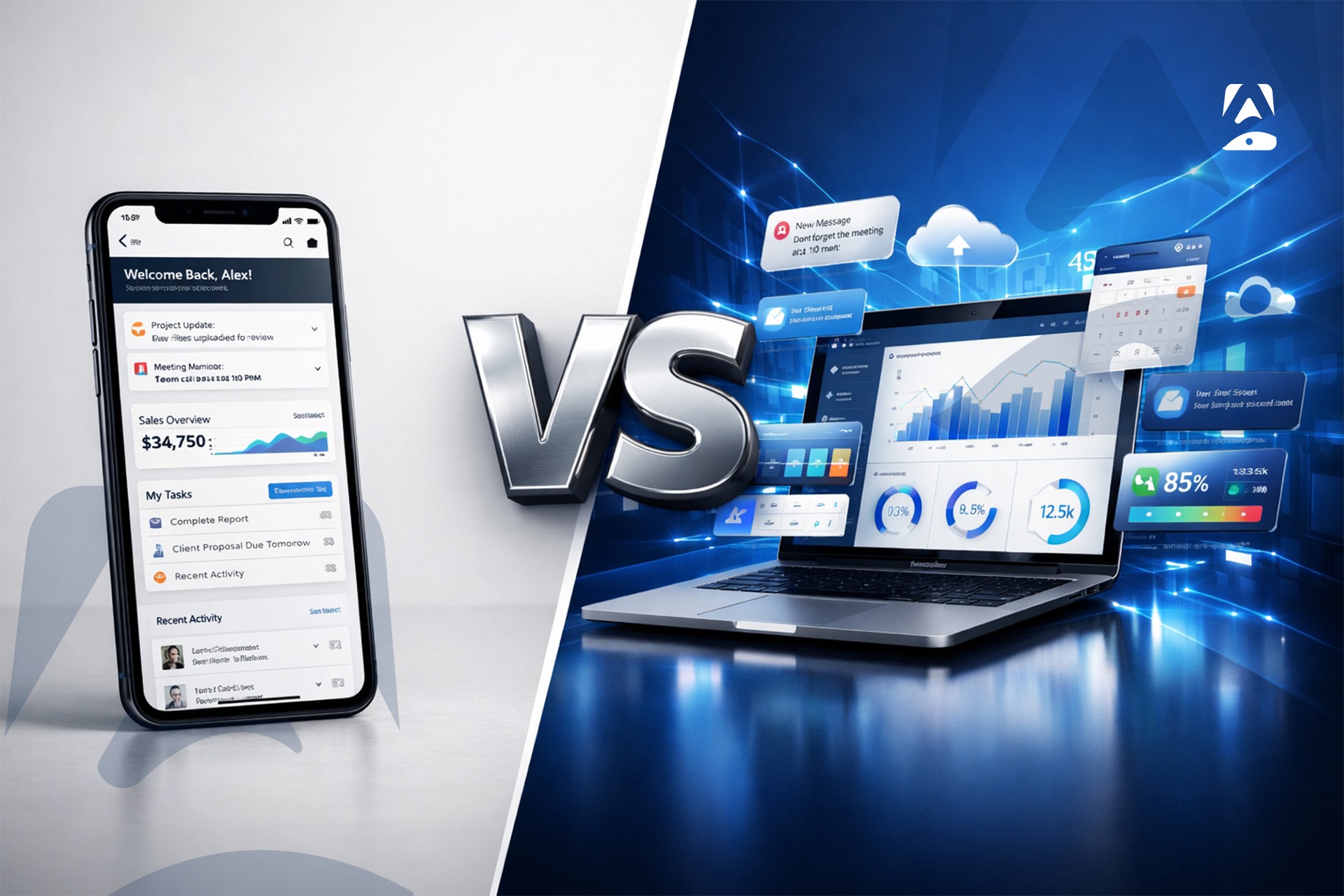
The decision for a web app vs mobile app depends on business goals, how your users behave, and your budget. Web apps are the way to go when your main priority is accessibility on all devices without users needing to download anything- they are readily accessible in any web browser, no installation required, and they are generally quicker and cheaper to develop. If your main priority is an engaging, feature-rich experience that takes advantage of device hardware such as GPS, camera, push notifications, or biometric authentication, a mobile app is better equipped than a web app.
For many businesses in 2026, the question isn’t web app or mobile app, it is which to build first, based on where your users are and what they need to accomplish. Appikr builds both, and assisting clients make this decision correctly is the first step in every project we embark on.
What Is a Web App and What Is a Mobile App
The best place to begin is to define exactly what the terms mean- because they are commonly used in such a broad way, that there is nothing but confusion just when clarity is at its most needed in business terms.
A web application is any software that runs within a web browser. A web application is accessed via a URL, does not need to be downloaded or installed on your devices and will run on any system with internet access whether it be your laptop, tablet, or mobile. Examples of web apps include Google docs, salesforce and all your typical web-based solutions such as Facebook. PWAs (progressive web apps) offer enhanced functionality of web apps; this allows you to add them to your device’s home screen and provides functionality to work offline to some extent, not to mention the push notifications; bridging the gap somewhat between a mobile app and a web app.
A mobile application is designed and coded for a particular mobile operating system- usually Android or iOS (or both), it is installed on a device via a store such as the Google Play Store or the Apple Store. Mobile apps allow hardware on a mobile device to be directly accessed. This is things like the camera, GPS, accelerometer, biometric sensors, NFC, Bluetooth and so on. They can also operate without an internet connection and send push notifications. They are capable of providing performance standards that cannot match web based apps for visually complex and interaction heavy apps.
Key Differences- Web vs Mobile App Development
Understanding the differences in structural design between developing for the web vs mobile allows businesses to make a better-informed decision for where to invest their resources for their product and customer.
3.1. Reachability
Web apps can be accessed on any browser and any internet connection- no download, no installation, no App Store approval needed. Web apps have an immediate reachability advantage for products designed to appeal to first-time/infrequent users not ready to install an app until they can see value in the product. Mobile apps have the downloading step barrier- users who download have shown clear intent and typically engage with and more frequently than users who access web-based products.
3.2. Performance
Native mobile apps offer superior native performance to web apps for performance-heavy, graphically intensive, or real-time data driven products. This is because they operate on the device’s processor directly and can directly access device hardware, and don’t rely on the browser’s rendering pipeline. Web apps have gained much performance with modern JavaScript frameworks but there is simply no competition in terms of raw speed and response times between web and native when the user experience must hinge on these, such as games, real-time trading applications, augmented reality or video editing.
3.3. Device Integration
This is the single most functional difference in web vs mobile app development for many business use cases. Mobile apps can directly access GPS and location data, camera, microphone, biometrics (Touch ID/Face ID), push notifications, Bluetooth, NFC, offline data storage etc. Mobile apps have some limited access to these using browser APIs which have improved in each browser update, however it is still nowhere close to native mobile functionality. If any aspect of the user’s experience is dependent on these device features, a mobile app is not optional, it is required.
3.4. Discovery and Distribution
Web apps are inherently SEO-driven as all web pages are indexed. The choice between mobile website vs app also depends on accessibility: Websites are accessible in all search engines whereas mobile apps can only be found via The App Store, Google Play, or through paid advertising. While ASO can help with distribution to mobile applications, they are far more difficult for new entrants to penetrate in comparison to web applications. In addition, mobile applications must go through the strict approval process which has a risk of rejection unlike web applications.
When to Choose a Web App v/s Mobile App
A web app makes sense for distinct, clearly delineated use cases. Opt for a web app when your product needs to reach as many users as possible without downloading hurdles-especially for tools, dashboards and information products where users access through search or direct links.
Opt for a web app when your key use cases are primarily desktop-centric and secondarily mobile-most B2B SaaS, enterprise dashboards and professional tool applications, the lion’s share of usage occurs within the desktop browser.
Opt for a web app when your web development company budget constraints are tight- web application development is almost always significantly cheaper and easier to maintain than native mobile app development.
Opt for a web app when SEO is a critical user acquisition vector-the web app form factor is indexed by search engines to a degree to which mobile apps, which generally require more complex development approaches in order to expose themselves to SEO value.
A mobile app makes sense when the product experience is intrinsically mobile in its nature. Opt for a mobile app when the application requires reliance on native device features-locations, cameras, push notifications, biometrics, Bluetooth communication and offline functionality.
Opt for a mobile app when the user acquisition strategy requires deeply habituated usage-the home screen icon presence and access the mobile app represents is significantly more powerful than bookmarks in a browser and this is why all the world’s most habitual consumer applications operate through a mobile interface.
Opt for a mobile app when users have overwhelmingly mobile behavior patterns-short, location-based sessions and notification-driven re-engagement favors mobile interaction models over mobile browsing ones.
Mobile app development services are a worthy investment for on-demand marketplaces, healthcare applications, fintech platforms, health and fitness products, retail loyalty applications, field services and logistic applications, and any category where your relationship with the end user is inherently frequent and personal. These are the exact categories for which Appikr’s mobile app development services have historically been most strategically employed and commercially vetted.
Cost Comparison- Web Development Cost vs Mobile App Development Cost
Of all the issues involved in making the web app vs mobile app choice, comparing the development costs is perhaps the most critical to your project-and the most consistently misunderstood.
A common web development cost (corporate website with CMS, contact forms, user accounts, and responsive layout) is typically around $30k- $80k with Appikr, and takes 8-12 weeks. A moderately complex web application (marketplace, booking website, or SaaS dashboard) can range from $80k- $250k over 4-6 months. Enterprise level web applications will be in the $250k+ range.
A basic mobile app development cost (single platform [iOS or Android], basic features, average UI complexity) is generally around $40k- $80k. A moderately complex cross-platform mobile app can range from $80k- $200k over 3-5 months. Enterprise level mobile applications start around $200k+.
The price differential between developing for web and mobile has become significantly smaller as cross-platform technologies like Flutter and React Native have gained maturity. For all standard business applications, the decision should be about delivering the most effective product experience-not just cost. Cost should not be a deciding factor.
Annual maintenance is comparable across the board, at around 15-20% of the initial build cost, and will cover: OS updates, security patches, performance tuning, and the inclusion of smaller features.
| Product type | Web app (AED) | Mobile app (AED) | Timeline |
| Basic / landing page / MVP | 15,000 – 40,000 | 40,000 – 80,000 | 4 – 10 weeks |
| Standard business app | 40,000 – 80,000 | 80,000 – 150,000 | 8 – 16 weeks |
| E-commerce / marketplace | 80,000 – 200,000 | 150,000 – 300,000 | 3 – 6 months |
| SaaS / platform / dashboard | 100,000 – 250,000 | 150,000 – 300,000 | 4 – 7 months |
| Enterprise / AI-integrated | 200,000 – 500,000+ | 300,000 – 1,000,000+ | 6 – 12 months |
Why Many Businesses Choose Both- and How Appikr Builds Either
Whether to focus on web or mobile, is often a false decision for any company aiming for the long term in digital products. Top digital products across all industries (fintech, e-commerce, healthcare, logistics, education etc.) exist in both the form of a web and a mobile application with the same backend API infrastructure and a contextually appropriate experience on either channel.
Appikr is the web and mobile development company you need to have both- not as two individual projects with separate development efforts and disconnected architectures, but as one united digital product with one shared infrastructure supporting it across users wherever they might be. For the enterprises starting one or the other first, an Appikr’s discovery process will yield clear, fact-based advice on which platform to build first based on each project’s specific user behavior, business objective and the real constraints of the budget.
Appikr, a web and mobile development services partner operating in Dubai but working on projects for clients across the world, offers the same discovery driven process, senior level engagement, and long-term post-launch partnership approach for both web and mobile, with clear pricing and a commitment to delivery of results not just outputs.
FAQs- Direct Answers on Web App vs Mobile App
- Is a web application or a mobile application better?
Neither option is superior. Web app vs mobile app is a decision based on user behavior, necessary functionality of your product, and the needs of your business. Web applications provide ease of access and reduced costs at the outset. Mobile applications provide higher device integration, are more performant with sophisticated interactions and are more engaging due to home screen availability and push notifications.
- Can I just build a mobile website to function like a mobile app?
No. The mobile website vs app difference is not negligible. A mobile website is simply a web page in a mobile friendly format; a mobile website cannot provide home screen presence or push notifications or access device hardware in a manner that a native mobile application can.
- Which costs less- a mobile application or a web application?
Generally, developing a web application is cheaper than developing a native mobile application with equivalent functionality, because only one piece of code serves multiple devices. Cross platform mobile development has helped even the gap using Flutter or React Native, but web development is usually the faster, and more cost efficient starting point for most conventional business applications.
- Can Appikr build both web applications and mobile applications?
Yes, Appikr builds web applications, iOS and Android native applications, cross platform mobile applications and interconnected systems wherein web and mobile have the same underlying database. Recommendations to start with one are based purely on requirements of your business, behavior data of your users, and cost constraints- not profitability of building it for us.
- How much time does building a web application take versus building a mobile application?
6-10 weeks is the usual timeline for building a very basic web application. For a very basic mobile application, the timeline is around 8-12 weeks. Projects with moderate complexity (either in web or mobile) range between three to six months. The length of time is generally influenced by the scope of the requirements defined at the beginning of the project, and requirements that are vague in initial stages are the most common reason for missed timelines in both web and mobile application development.